Creating a Hunt Group - PSTN
Steps
- Go to Call Router / Route Config.
-
In the Hunt table,
click
 .
-
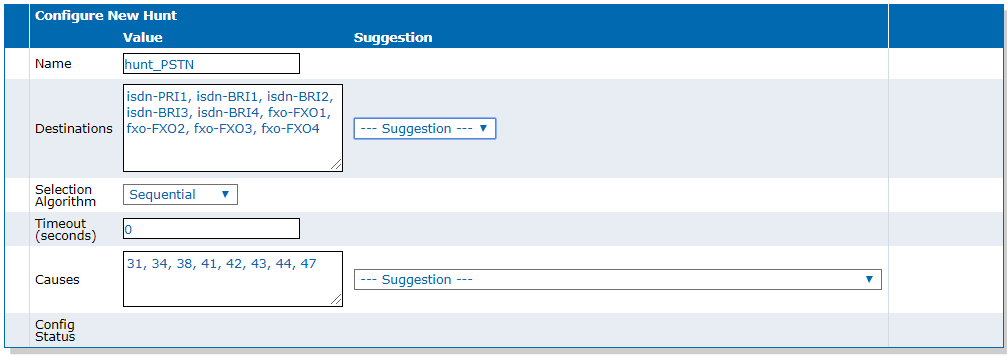
In the Configure New Hunt table, set the following:
- Set the Name field to hunt_PSTN.
- Using the Destinations dropbox, add the destination endpoints to use.
- Leave the other fields with their default value.
- Click Save.
Result