Configuring the Default Network Gateway to an Automatic IP Address
Steps
Go to Network/Host.
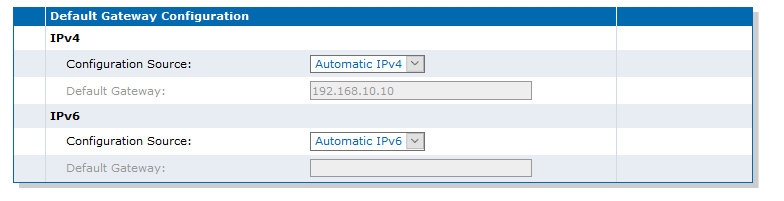
In the Default Gateway
Configuration
table, from the IPv4/Configuration Source
selection list, select Automatic IPv4.
In the Default Gateway
Configuration
table, from the IPv6/Configuration Source
selection list, select Automatic IPv6.
Note:
When switching from the Static to Automatic configuration source, the last
value correctly obtained from the network (if any) is applied to the
system.